Less screen time.
More time for you.
Furmily helps you stop scrolling and start focusing. Block distracting apps, set a focus timer, and care for a virtual pet with the progress you make.



Your first focus session, in three steps.
Choose your distractions
Open Furmily, follow the permission prompts, and choose the apps you want a break from — social feeds, games, or anything that pulls you away.
Set a timer. Put your phone down.
Try a 25-minute session for studying, working, or reading. Furmily blocks your selected apps while the timer runs, with Bubble keeping you company.
Come back to a little reward
Finish your session to earn care for your pet. Your first completed session each day earns a treat; keep focusing to work toward more.
A few things to know.
Just your phone, a little time, and something you want to focus on.
Is this a pet game or a focus app?
A focus app, with a pet to make the habit more rewarding. The timer and app blocker help you stay with what you’re doing. Finishing sessions earns care and progress toward treats for your companion.
What do I need to get started?
An iPhone or Android phone and the Furmily app. Follow the in-app setup to allow app blocking, choose your distracting apps, and start a session. No NFC card or extra device is needed.
Is Furmily free?
Furmily is free to download. You can start focusing with Bubble; optional Pro features and any available purchases are explained inside the app.
Google Play or APK: which should I choose?
Choose Google Play for installation and store-managed updates. If you can’t use Google Play, download the APK below and follow Android’s installation prompt. For help, visit Support.
Can I use it on iPhone?
Yes. Furmily is available for iPhone on the App Store and for Android on Google Play. Use the download links below.
What are the NFC cards for?
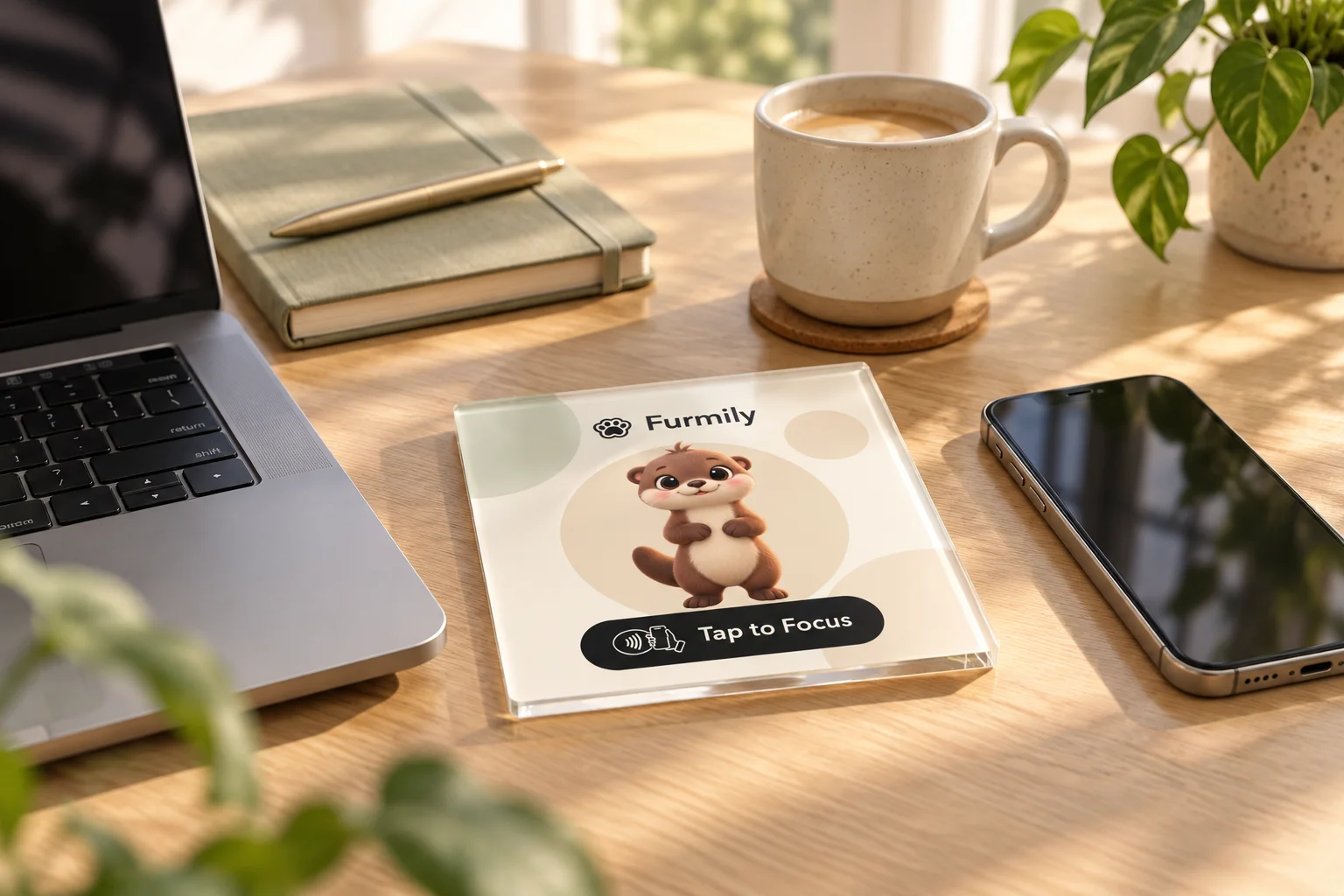
NFC tags can open a companion or configured focus scene in Furmily. They’re optional — you can always start a session in the app. See Tap to Focus in everyday spaces.
Give your focus
to something you love.
Bubble will be here when you’re done.