01 / Study, without the scroll
For your library.
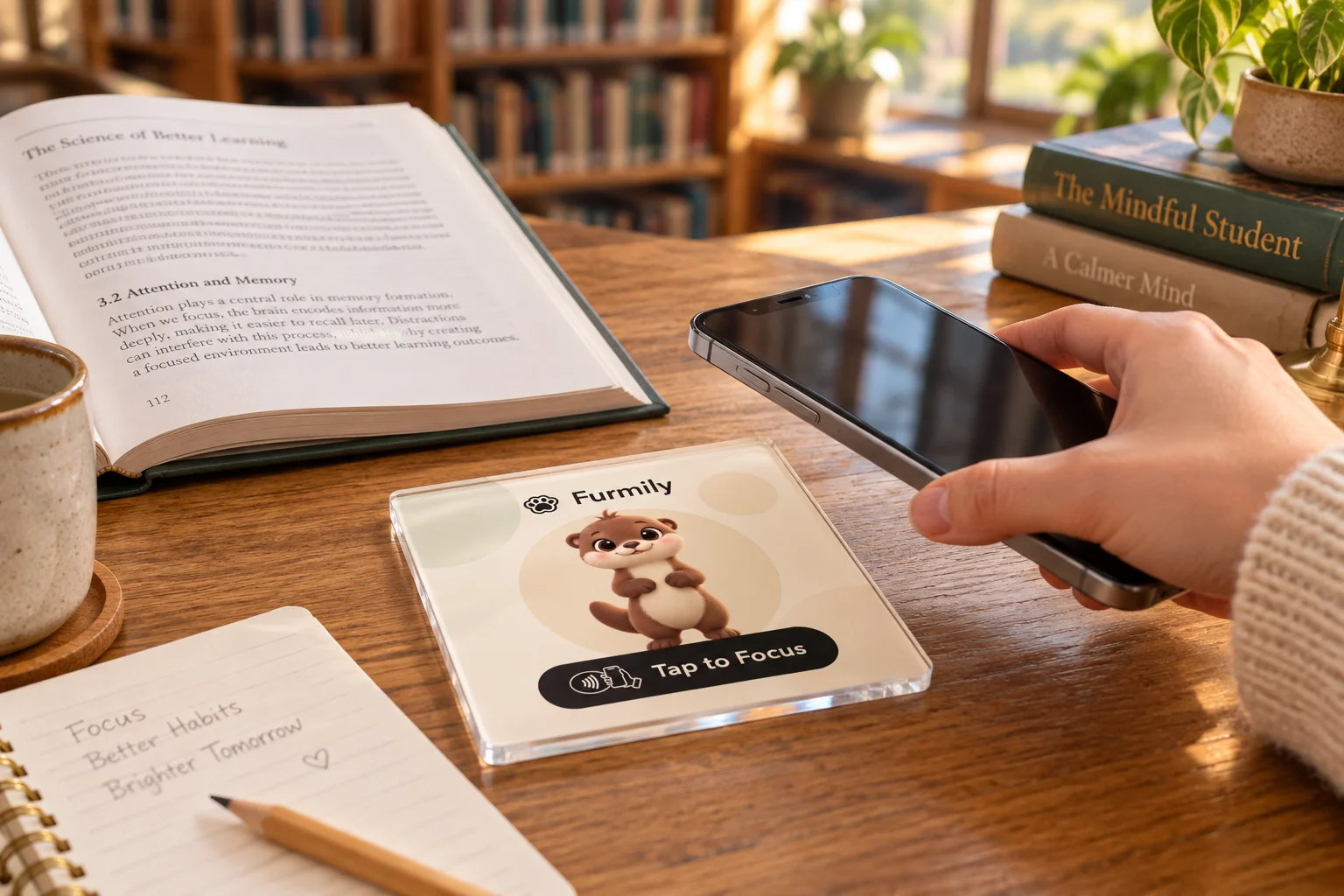
Place a touchpoint on study tables or in reading areas. Give visitors a simple way to begin their own quiet study session.
Create a custom Furmily Kit for your library, workplace, or classroom. Give visitors a friendly NFC touchpoint to open Furmily and start their own focus session.
Custom kits and bulk orders are in development. Each participant needs the Furmily app and an NFC-enabled phone.
Bring a shared focus ritual to the places you manage. We’re exploring kits tailored to your venue, with a consistent experience across every touchpoint.
Explore a design featuring your venue’s name and identity alongside Furmily.
Plan touchpoints for study tables, shared desks, or classroom entrances.
Express interest in multiple kits for your team or venue. Quantities, pricing, and customization options are still being explored.
Help people settle into study, deep work, or class with a visible invitation to focus.
Place a touchpoint on study tables or in reading areas. Give visitors a simple way to begin their own quiet study session.
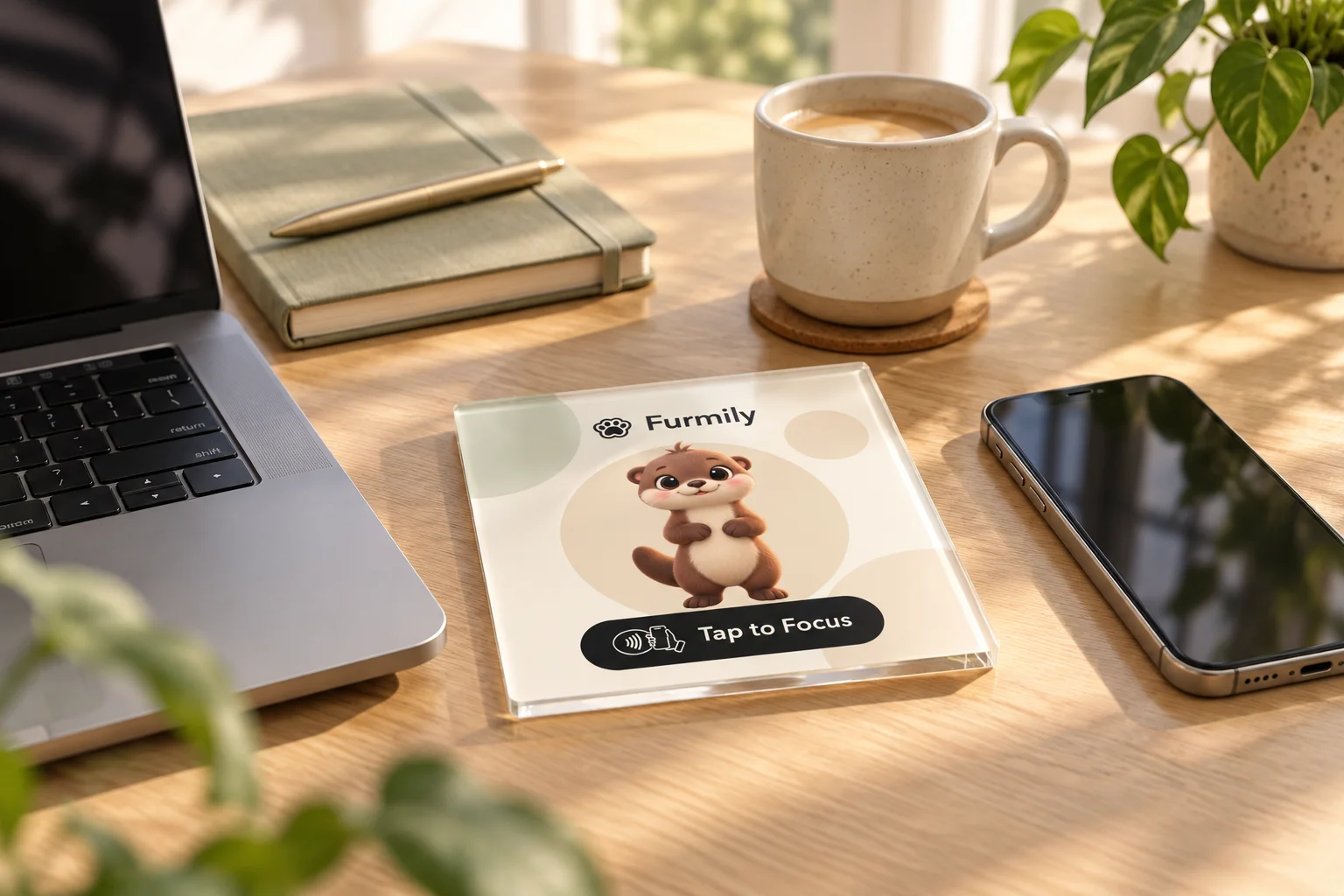
Add focus spots to shared desks and quiet work areas. Invite teammates to make space for writing, planning, and deep work.
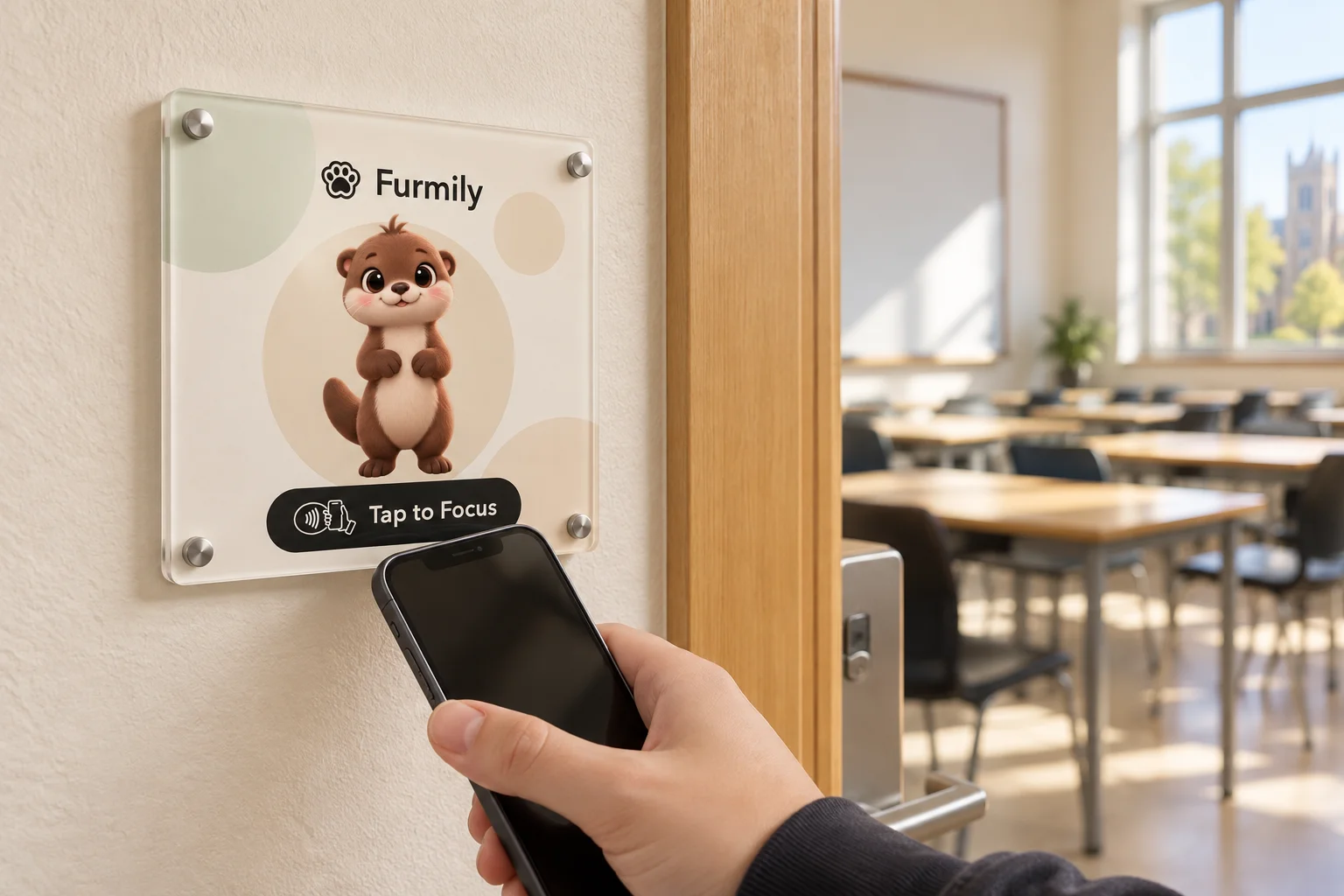
Place a focus spot by the classroom door. Each person taps with their own phone and starts their own session before taking a seat.
AI-generated scene illustrations using the Furmily design. Final product details may vary.
Place your configured NFC spot where you study or work. Set up the Furmily app and choose the apps you want to block.
Hold your phone’s NFC reader near the spot, then open the notification. The tag opens a companion or focus scene in Furmily.
Confirm the session in the app and put your phone down. Your selected distractions stay blocked while you focus.
The tag opens the app; it doesn’t automatically control your phone. NFC support and app-blocking permissions are required.
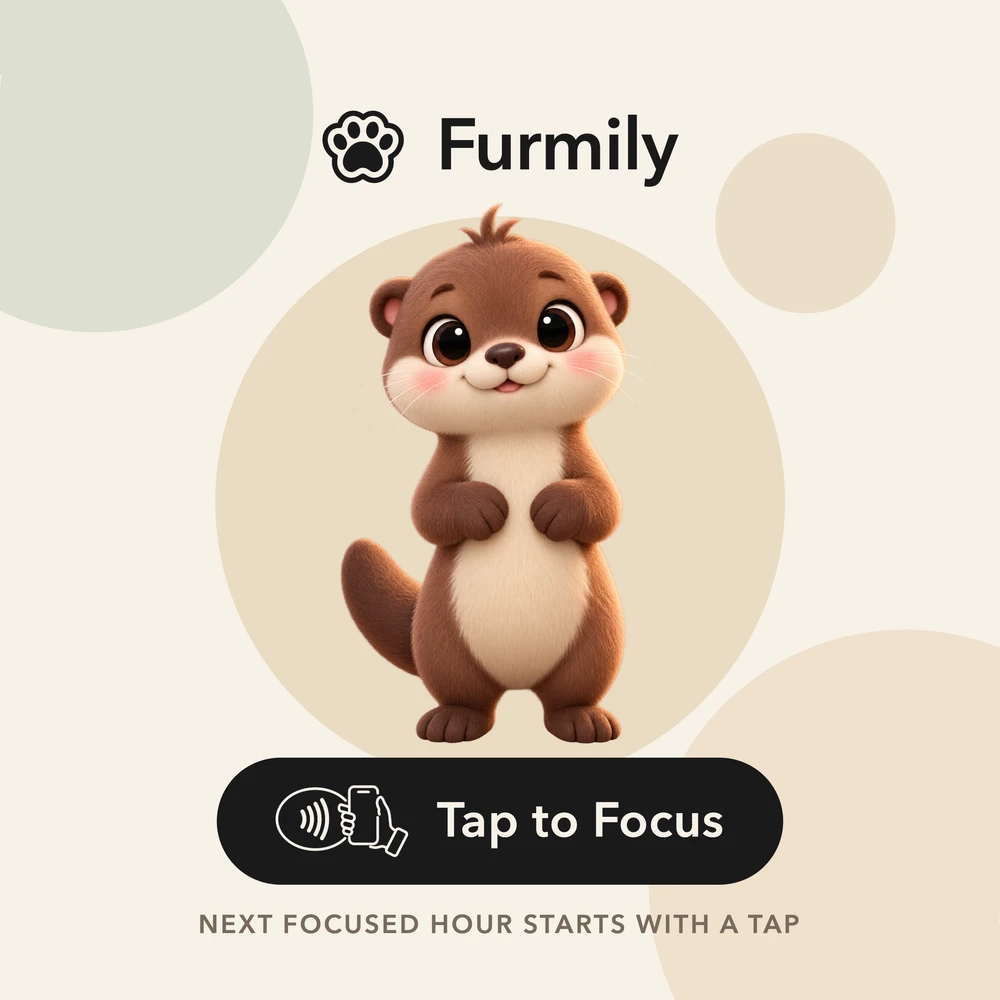
You don’t need to run a venue to make room for focus. Explore a personal Furmily kit for your study corner or home office.
Order for myselfDesigned to work with Furmily. Phone not included.